---
title: How to See Your Referral History
description: See all of your G&H referral history in a centralized location!
---
[Skip to content](https://knowledge.gnhautomation.com/how-to-see-your-referral-history#main-content)
English
Show submenu for translations

Open main navigation
Close main navigation
- English
Show submenu for translations
- Client Portal
Client Portal
Bonjour. Need help?
- There are no suggestions because the search field is empty.
1. [Knowledge Base](https://knowledge.gnhautomation.com/?hsLang=en)
2. [G&H Client Portal](https://knowledge.gnhautomation.com/gh-client-portal?hsLang=en)
# How to See Your Referral History
## See all of your G&H referral history in a centralized location!
Your referrals can be easily accessed in the referral history section of the client portal. You can follow the instructions below to access your referral history.
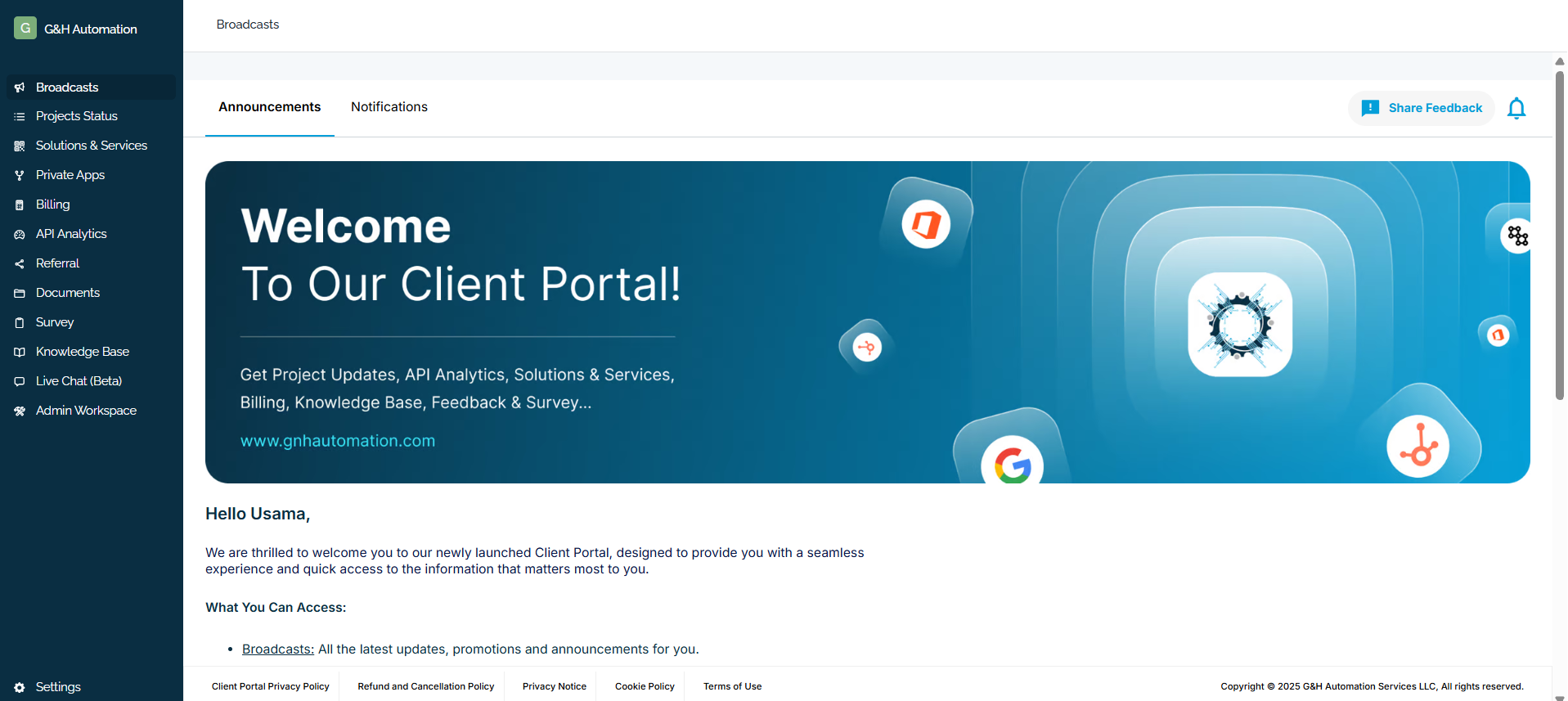
**Step 1:**
Login to G&H client portal
**Step 2:**
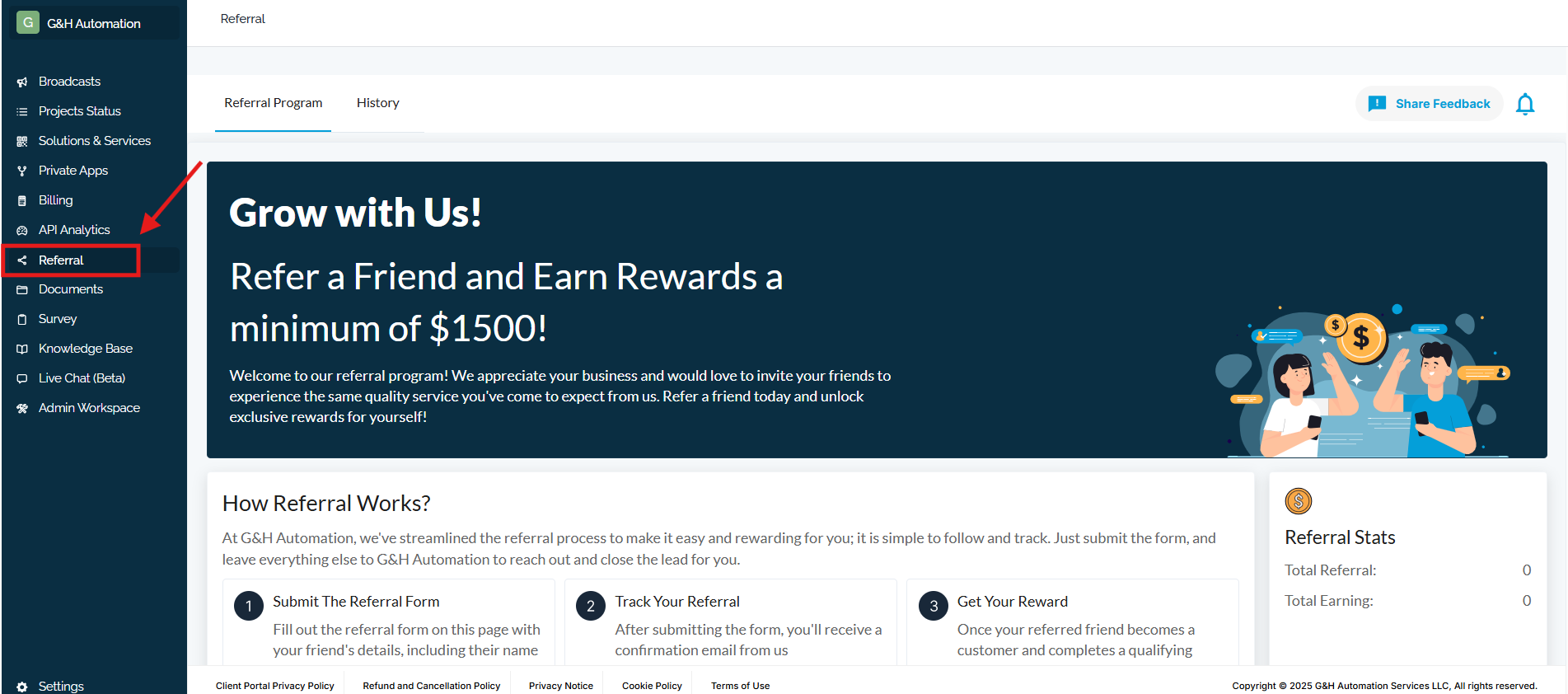
Click the **Referrals** from the menu.
**Step 3:**
Head towards the **History** Tab. That’s it - All the history will be in front of you 💸

---
### **💡Looking for Help?**
Do you have further queries or require additional clarification? Feel free to reach out.
- [G&H Client Portal](https://knowledge.gnhautomation.com/gh-client-portal?hsLang=en#main-content)
- [Plans & Billing (Legal & Payments)](https://knowledge.gnhautomation.com/gh-client-portal?hsLang=en#plans-billing-legal-payments)
- [Support Tickets](https://knowledge.gnhautomation.com/gh-client-portal?hsLang=en#support-tickets)
- [Help Articles](https://knowledge.gnhautomation.com/gh-client-portal?hsLang=en#help-articles)
- [Getting Started](https://knowledge.gnhautomation.com/gh-client-portal?hsLang=en#getting-started)
- [Team Management](https://knowledge.gnhautomation.com/gh-client-portal?hsLang=en#team-management)
- [G&H Automation Services](https://knowledge.gnhautomation.com/gh-automation-services?hsLang=en#main-content)
- [HubSpot Advisory Services](https://knowledge.gnhautomation.com/gh-automation-services?hsLang=en#hubspot-advisory-services)
- [Custom API Integration](https://knowledge.gnhautomation.com/gh-automation-services?hsLang=en#custom-api-integration)
- [MS Office Automation](https://knowledge.gnhautomation.com/gh-automation-services?hsLang=en#ms-office-automation)
- [Dropbox Sign](https://knowledge.gnhautomation.com/gh-automation-services?hsLang=en#dropbox-sign)
- [Aircall](https://knowledge.gnhautomation.com/gh-automation-services?hsLang=en#aircall)
- [Support Services](https://knowledge.gnhautomation.com/gh-automation-services?hsLang=en#support-services)
- [Web App Maintenance Service](https://knowledge.gnhautomation.com/gh-automation-services?hsLang=en#web-app-maintenance-service)
- [CRM Data Migration Service](https://knowledge.gnhautomation.com/gh-automation-services?hsLang=en#crm-data-migration-service)
- [HubSpot Fractional CTO Services](https://knowledge.gnhautomation.com/gh-automation-services?hsLang=en#hubspot-fractional-cto-services)
- [HubSpot Audit Service](https://knowledge.gnhautomation.com/gh-automation-services?hsLang=en#hubspot-audit-service)
- [Legal Policies](https://knowledge.gnhautomation.com/legal-policies?hsLang=en#main-content)
- [Data Protection](https://knowledge.gnhautomation.com/legal-policies?hsLang=en#data-protection)
- [Website T&C](https://knowledge.gnhautomation.com/legal-policies?hsLang=en#website-tc)
- [Microsoft Office Automation](https://knowledge.gnhautomation.com/microsoft-office-automation?hsLang=en)
- [Working Together](https://knowledge.gnhautomation.com/working-together?hsLang=en#main-content)
- [Partnerships](https://knowledge.gnhautomation.com/working-together?hsLang=en#partnerships)
- [Referrals](https://knowledge.gnhautomation.com/working-together?hsLang=en#referrals)
- [Google Automation](https://knowledge.gnhautomation.com/google-automation?hsLang=en)
[](http://www.gnhautomation.com)
[mailto:email@email.com](mailto:email@email.com)
Copyright © 2026, G&H Automation Services