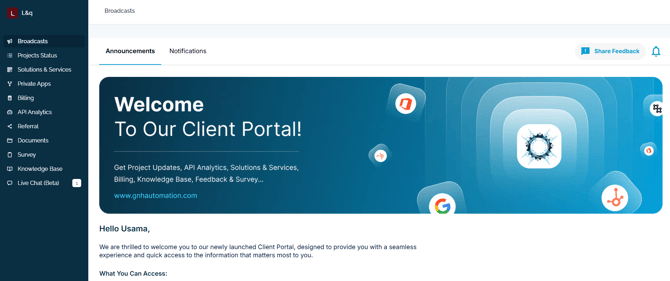
Step 1:
Go to Client Portal > https://portal.gnhautomation.com/
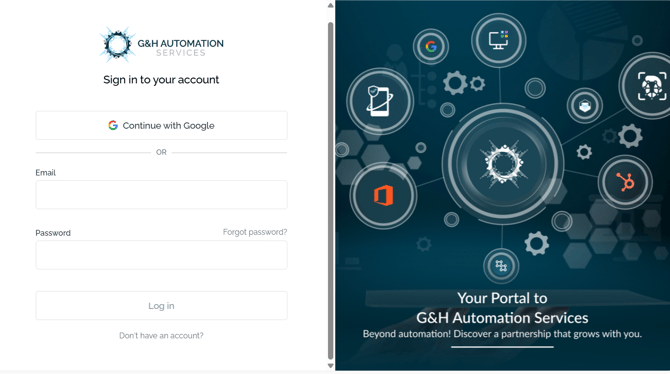
Step 2:
Click on Don't have an account.
Step 3:
Enter your full name, Email, Company name, and password. After that, click on Sign up to continue.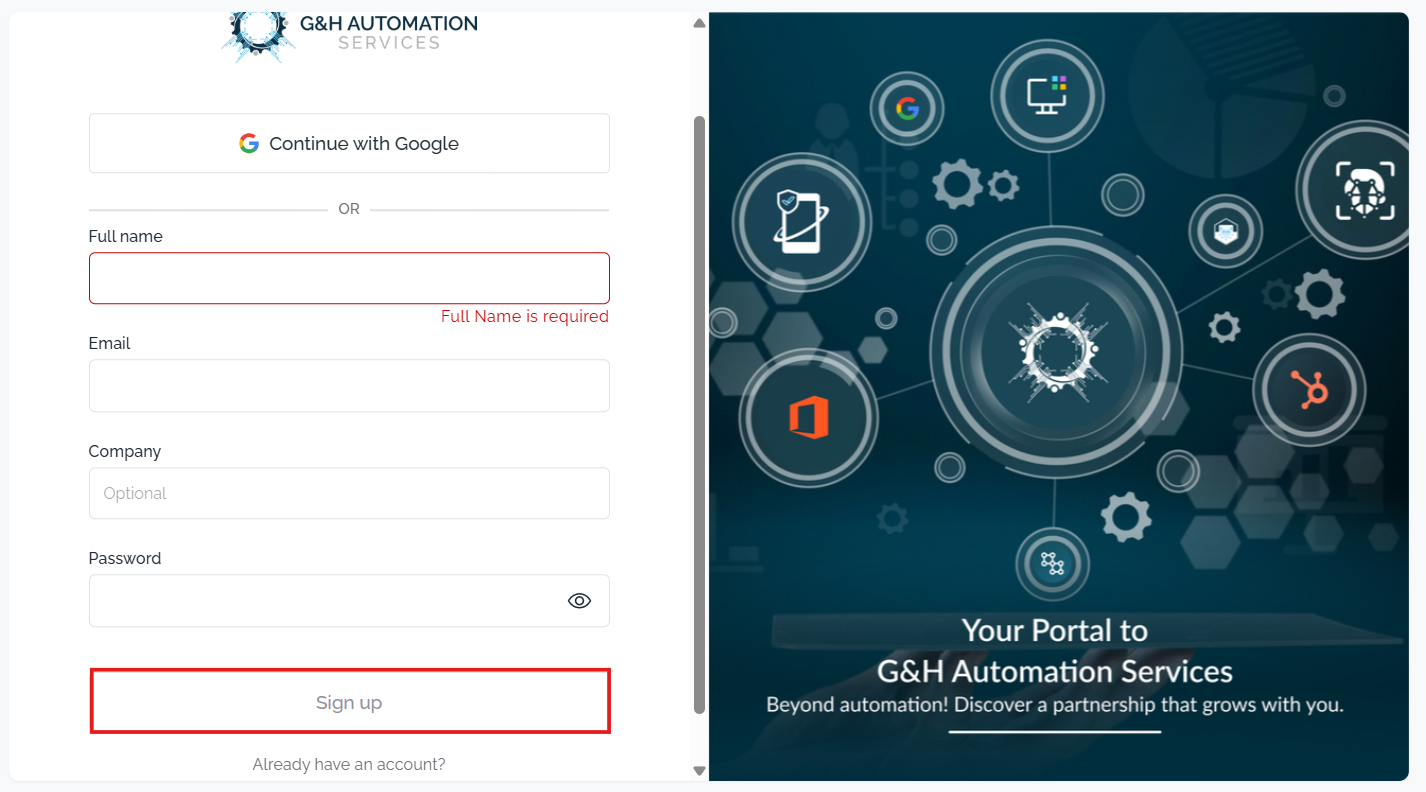
Congratulations! 🎉You have successfully signed up for the G&H Client Portal.