
Your referrals can be easily accessed in the referral history section of the client portal. You can follow the instructions below to access your referral history.
Step 1:
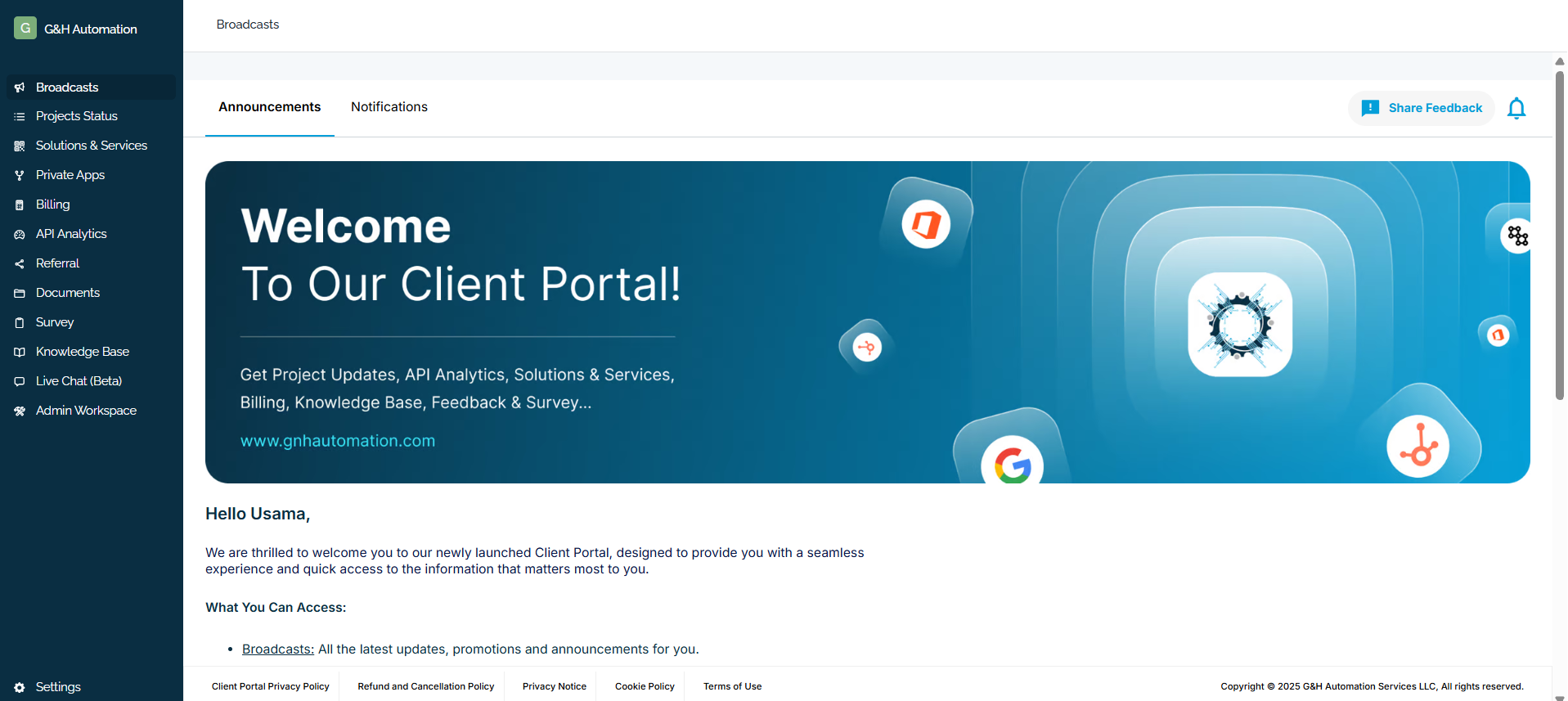
Login to G&H client portal
Step 2:
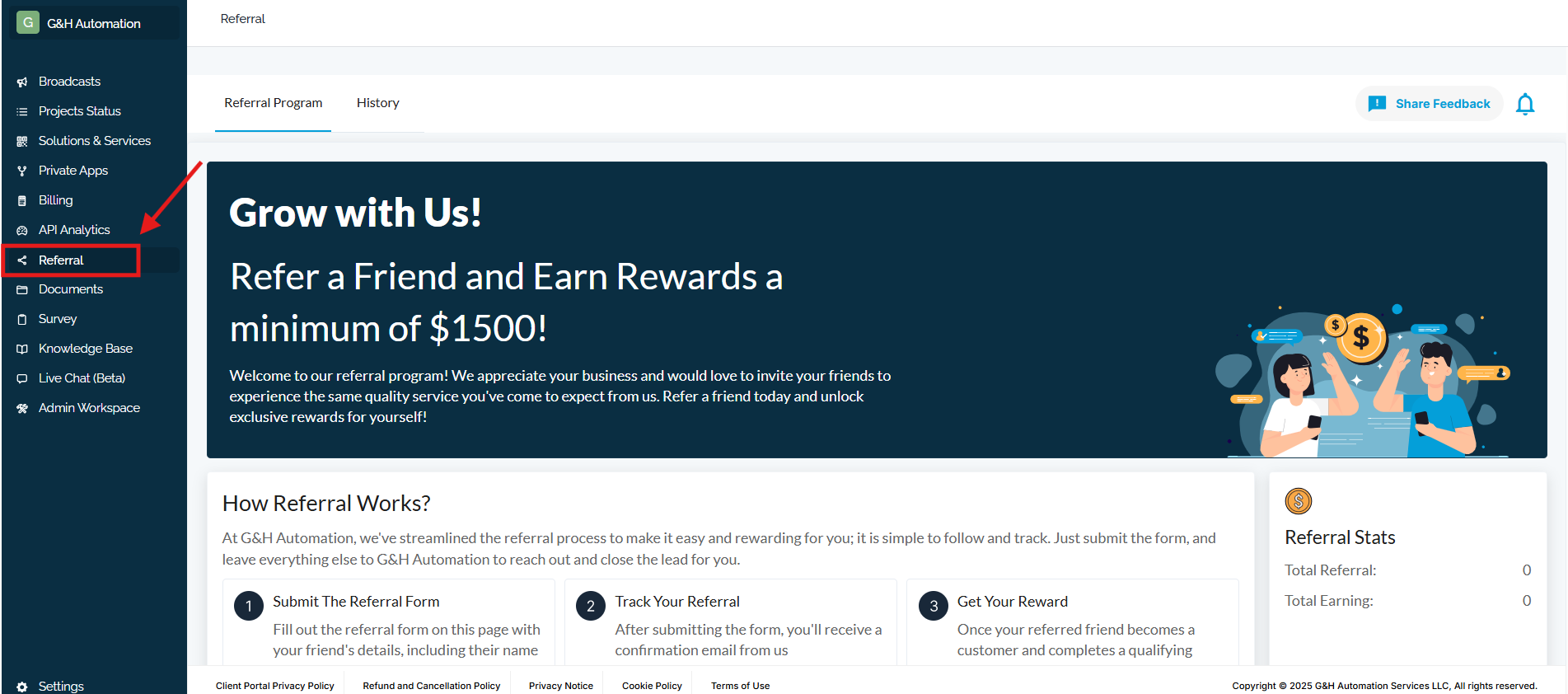
Click the Referrals from the menu.
Step 3:
Head towards the History Tab. That’s it - All the history will be in front of you 💸

💡Looking for Help?
Do you have further queries or require additional clarification? Feel free to reach out.