
Step 1:
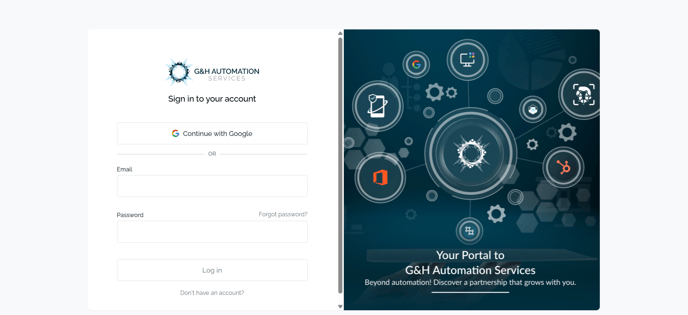
All you have to do is go to the URL >> https://portal.gnhautomation.com. You will see a login screen.
Note:
If you don't have an account: Read this article instead
Step 2:
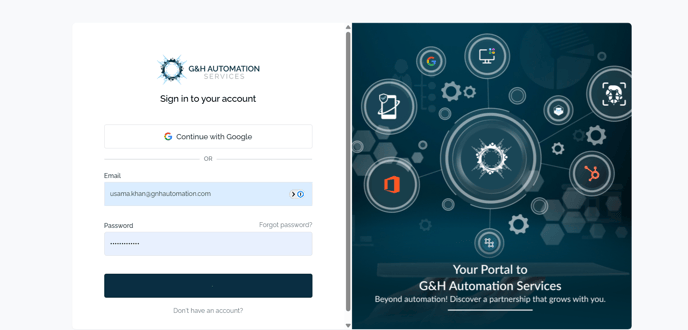
Enter your email and password and click Log in.
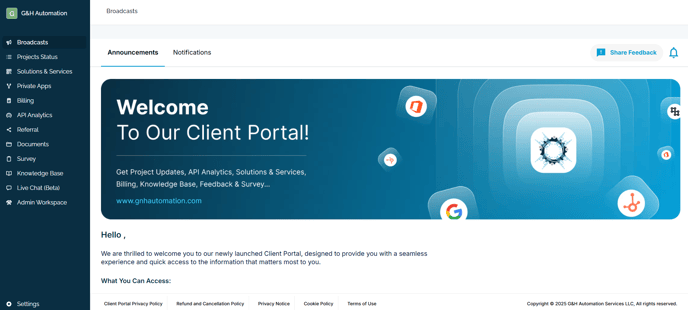
That's it. You are in!
💡Looking for Help?
Do you have further queries or require additional clarification? Feel free to reach out.